Brand Impersonation: How to Detect, Respond, and Remove Fake Websites (2026 Guide)
Learn how to detect brand impersonation, respond quickly, and remove phishing websites using a proven takedown and monitoring workflow.
Learn how to detect brand impersonation, respond quickly, and remove phishing websites using a proven takedown and monitoring workflow.
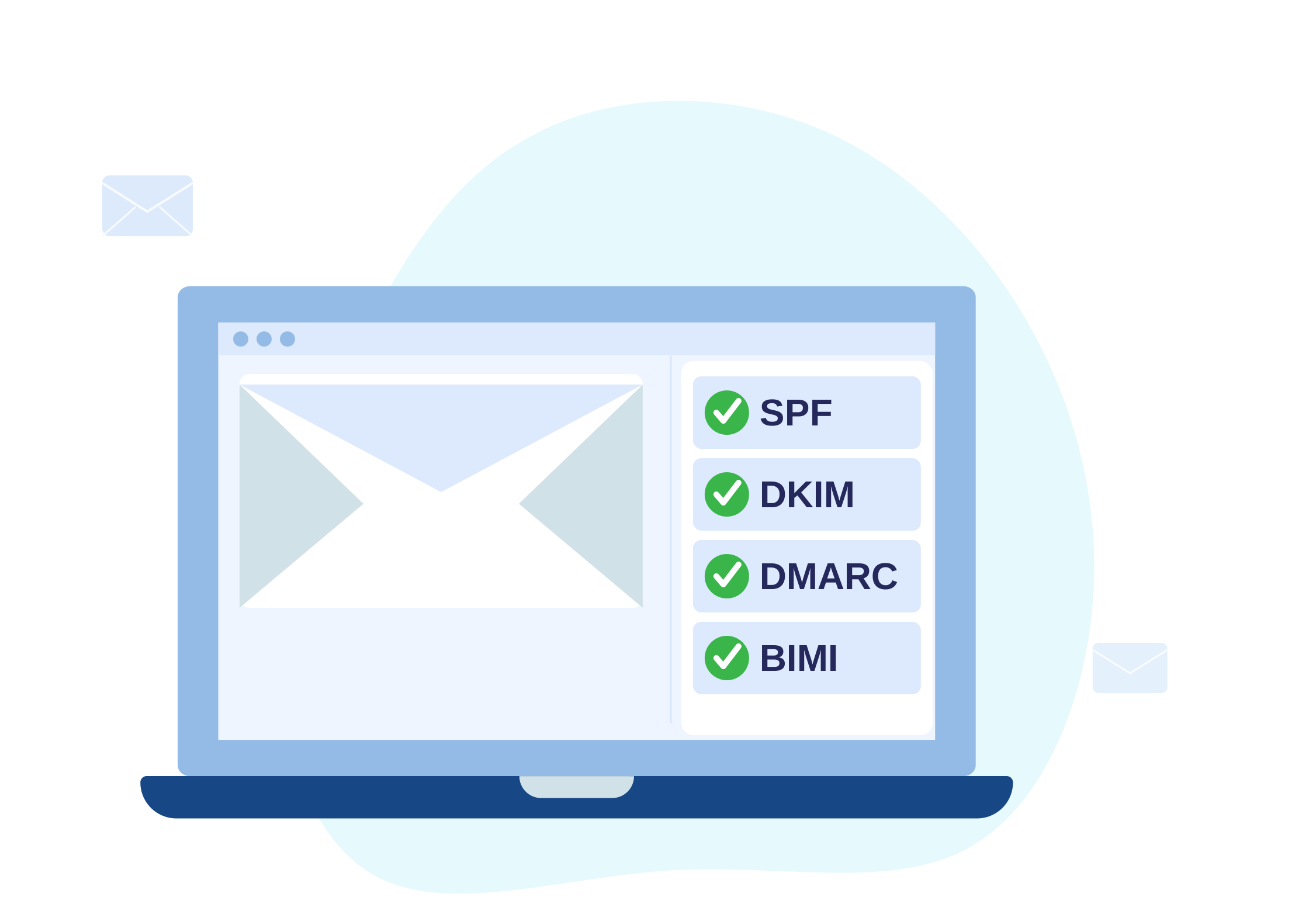
Brand impersonation is a form of phishing where attackers reuse your name, logo, and messaging to make fraudulent pages and messages appear legitimate.
The risk is not just the immediate scam. Impersonation trains customers to trust the wrong signals, increasing the likelihood of future attacks succeeding.
If you’ve identified impersonation targeting your brand, speed matters. This guide explains exactly how to detect impersonation, contain exposure, and remove malicious infrastructure before users are affected.
What to do if your brand is being impersonated (quick answer)
If you need a fast response, follow these steps:
- Identify and document the fraudulent URLs and infrastructure
- Capture evidence (screenshots, timestamps, user journey)
- Contain exposure by warning affected users where appropriate
- Submit takedown requests to hosting providers and platforms
- Monitor for reappearance and new variants
What is brand impersonation?
Brand impersonation occurs when attackers create fake websites, messages, or services that mimic your organisation.
This often includes:
- Lookalike domains (typos, extra words, or misleading subdomains)
- Fake login or checkout pages designed to capture credentials
- Emails or messages posing as support or account notifications
- Redirects that route users away from legitimate services
These attacks rely heavily on trust and urgency to bypass user scrutiny.
How to detect brand impersonation
Impersonation campaigns tend to follow consistent patterns:
- Lookalike domains (spelling variants and suspicious subdomains)
- Landing pages that mirror your real login or checkout flow
- “Support”-style prompts and urgency language designed to reduce scrutiny
- Messages that reference your brand but route users elsewhere
When you identify a suspicious page, treat it as evidence:
- Capture the exact URL(s)
- Record timestamps
- Take screenshots of login prompts and content
- Document the full user journey
Contain immediately (reduce harm while you report)
Containment reduces how long users are exposed to the fraudulent flow.
Start with:
Document the page and the user journey
Capture screenshots of the page, login prompts, and any redirect behaviour. If multiple URLs are involved, document all of them.Check whether customers were contacted
If impersonation involves outreach, coordinate internally on messaging and safe communication with affected users.Use reporting and takedown channels
Begin reporting using report and coordinate with takedown services when rapid response is required.
If there is active user harm or ongoing exposure, use contact to coordinate incident response alongside takedowns.
How to remove brand impersonation websites
Removing impersonation requires targeting the underlying infrastructure.
Focus on:
- Suspending or removing fraudulent domain names
- Reporting hosted content to providers and platforms
- Removing references that continue directing users to malicious pages
Typical process:
- Identify hosting provider and registrar
- Submit abuse reports with evidence
- Escalate where necessary for faster response
- Verify removal of all identified URLs
After each action, confirm that the exact login or phishing URLs are no longer accessible.
For a detailed breakdown, see how to remove a phishing website quickly.
Prevent repeat attacks (monitor what replaces it)
Attackers frequently return with new variants after takedowns.
Prevention requires continuous monitoring and rapid response:
- Continuous website monitoring for brand-linked threats
- Dark web scanning when campaigns involve leaked credentials or marketplace activity
For organisations improving internal resilience, phishing simulation helps teams recognise and report threats effectively.
How long does impersonation removal take?
Takedown timelines vary depending on hosting providers, domain registrars, and the complexity of the attack.
In many cases:
- Initial response can begin within hours
- Full removal may take anywhere from hours to several days
For more detail, see how long does a phishing takedown take.
FAQ
Should we contact the attacker?
No. Focus on evidence collection, reporting channels, and takedown coordination. Contacting attackers can increase risk and delay resolution.
What evidence helps most with takedowns?
- Exact URLs
- Timestamps
- Screenshots of impersonation and credential capture
- Context on how the page was discovered (email, message, campaign path)
How do we know the threat is fully removed?
Verification means confirming that:
- All identified malicious URLs are inaccessible
- No immediate replacements have appeared
- Monitoring is in place to detect reoccurrence
Need help removing impersonation quickly?
Brand impersonation campaigns can spread across multiple domains and platforms in a short time.
If you are dealing with an active incident, our takedown service identifies and removes malicious infrastructure quickly, with ongoing monitoring to prevent reappearance.
Next steps
- Start with takedowns if you need immediate removal
- Follow a structured checklist in how to report a malicious website (step-by-step)
- Use contact for coordinated incident response support